Typical Industrial Applications
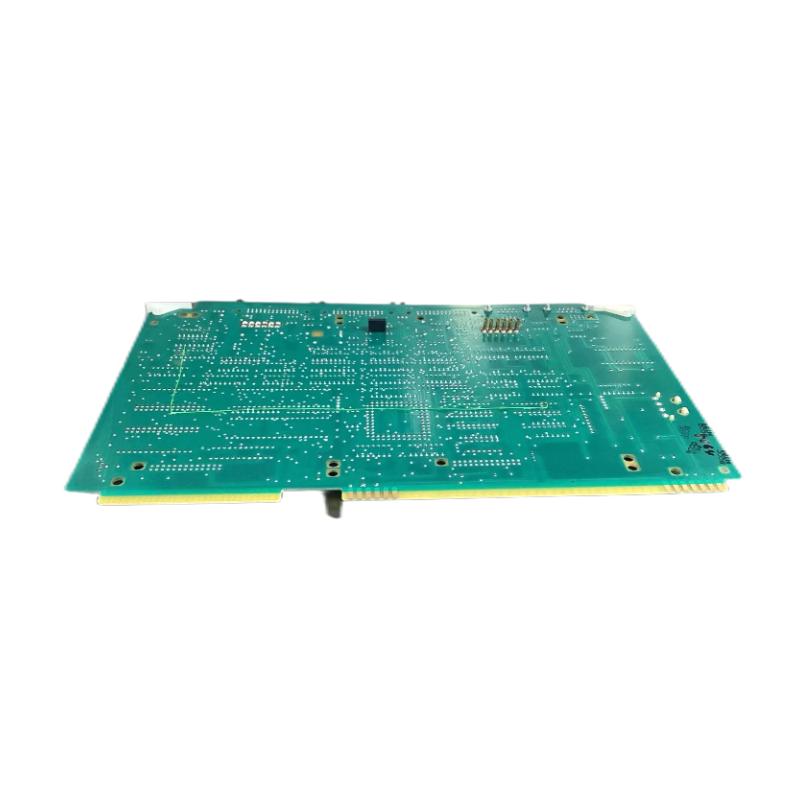
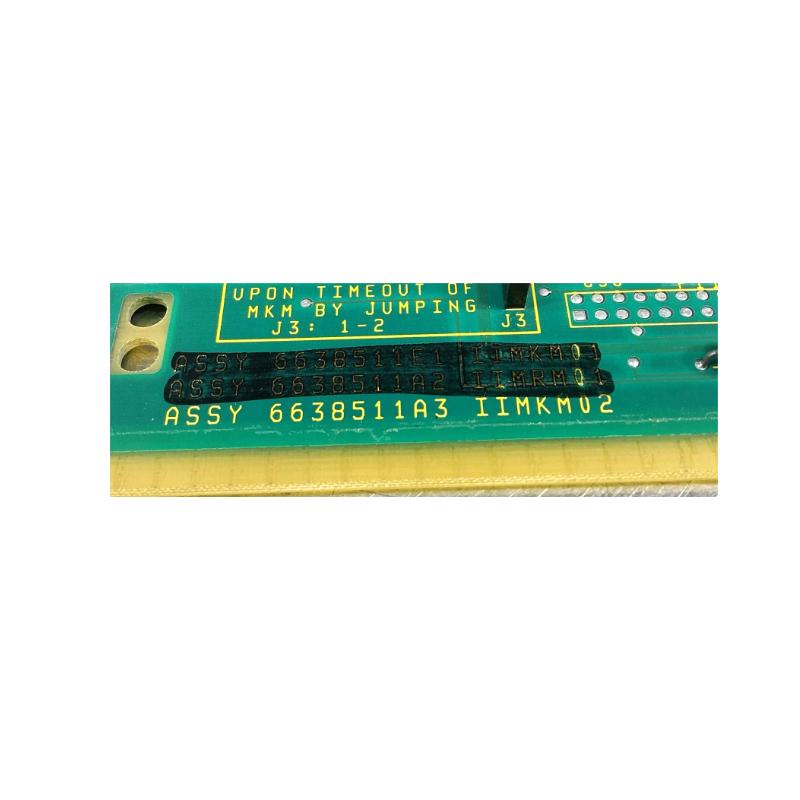
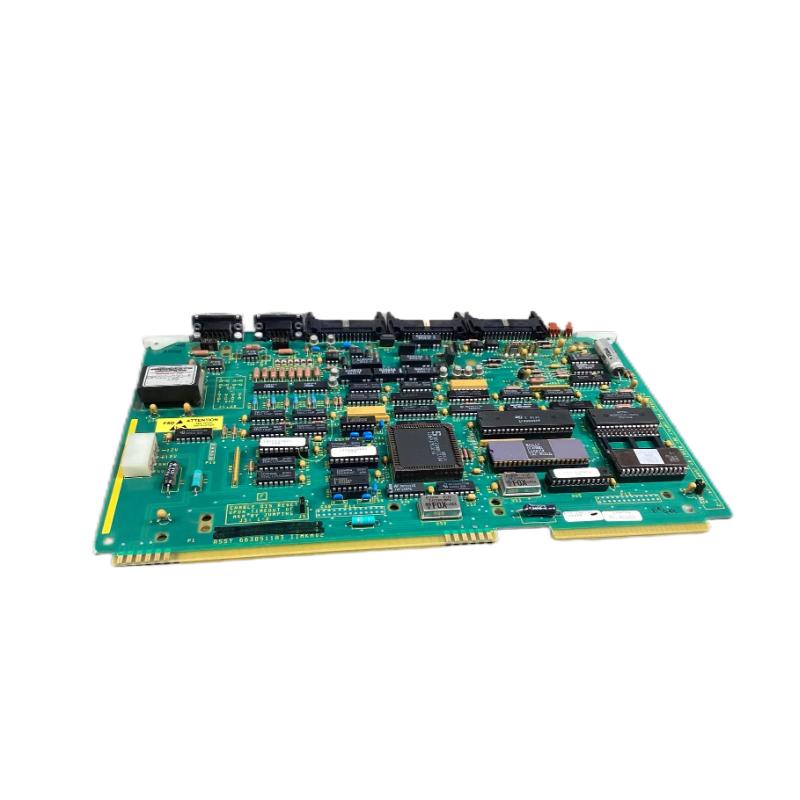
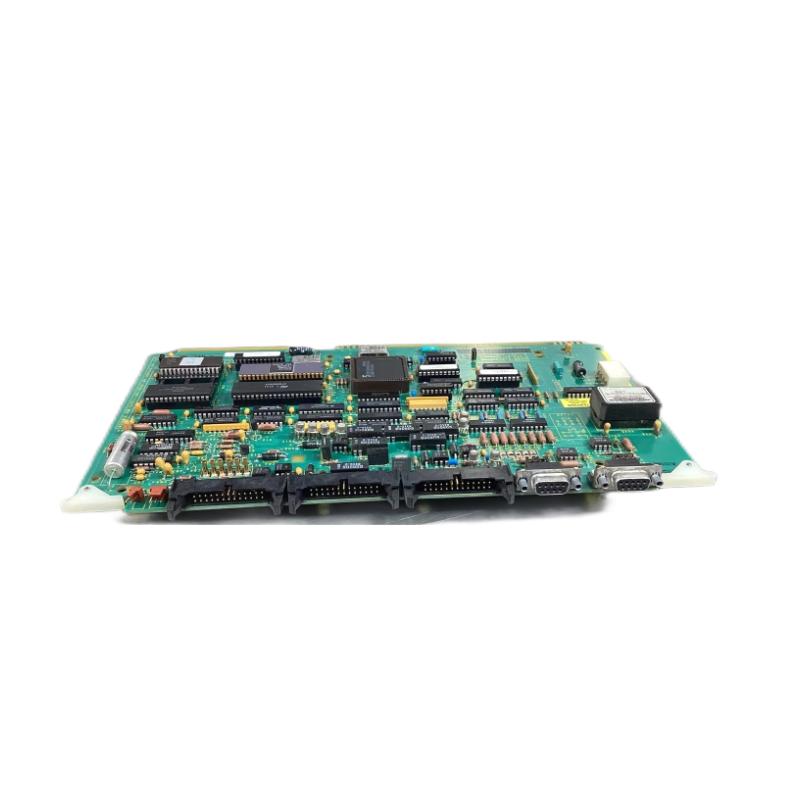
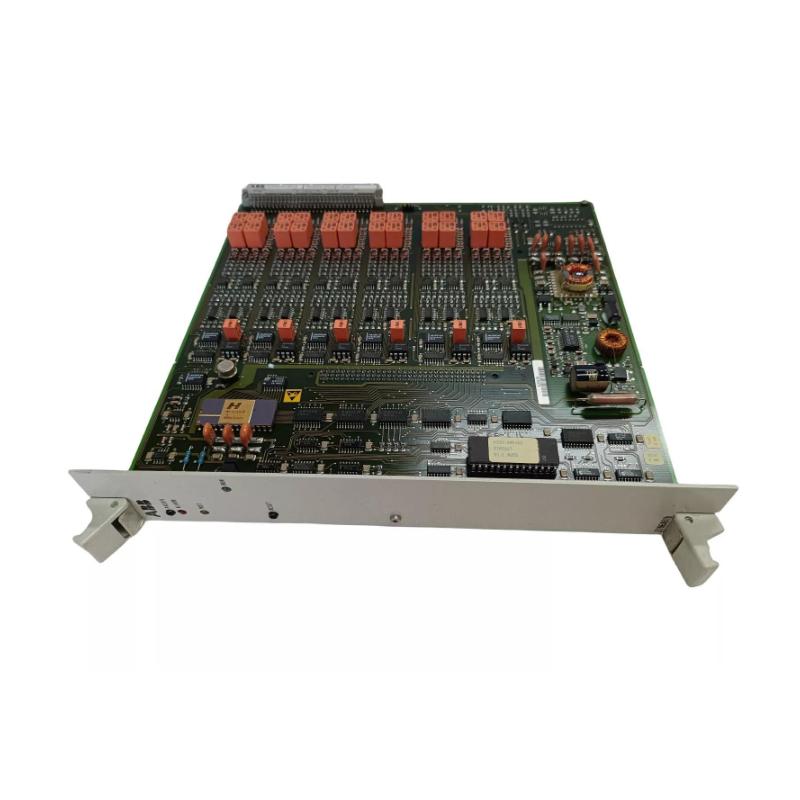
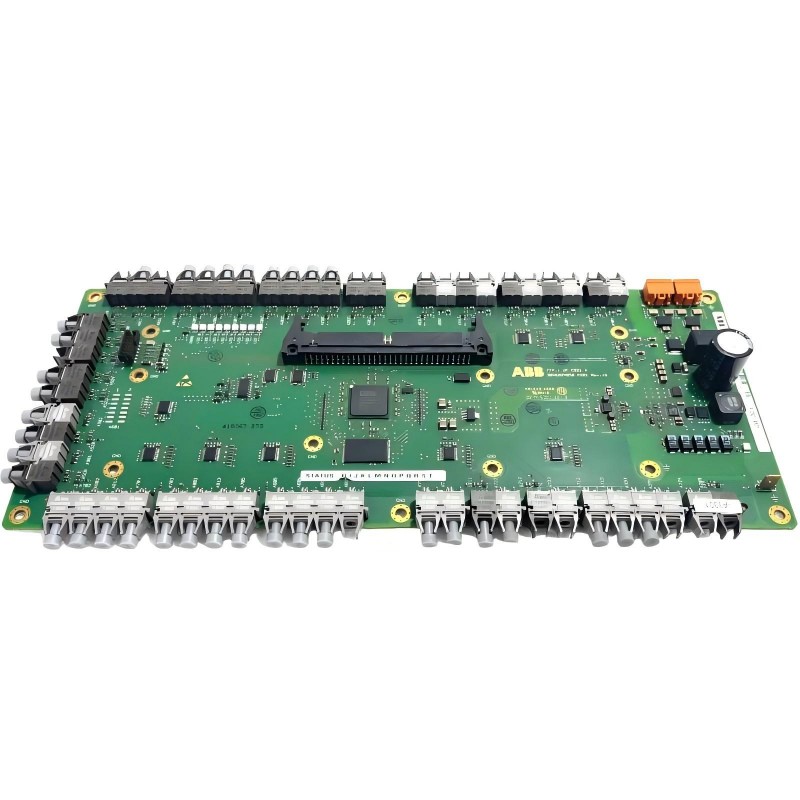
The IIMKM02 Multi‑Bus Keyboard Module plays a valuable role wherever local operator interaction with distributed I/O and control logic is needed:
-
Local configuration and commissioning at I/O rack locations
-
On‑site diagnostics and status queries during maintenance checks
-
Manual override command entry in controlled scenarios
-
Operator input for calibration or setup tasks on distributed nodes
-
Support for local troubleshooting without central workstation access
By enabling a keyboard interface directly on the automation bus, this module extends system accessibility for technicians in distributed control environments.
Key Benefits & Features
-
Local Human‑Machine Interface:
Provides direct keyboard input capability at the rack level without requiring a central workstation.
-
Multi‑Bus Compatibility:
Interfaces cleanly with ABB Bailey bus segments and rack communication links for organized system integration.
-
Industrial‑Grade Reliability:
Designed for vibration, electrical noise, and temperature variation typical of plant automation settings.
-
Structured Integration:
Offers a consistent mechanism for accessing configuration and system diagnostics through standard key inputs.
-
Maintenance Utility:
Assists field technicians with setup, adjustment, and troubleshooting tasks without needing host system access.
This blend of functional access and rugged design makes the IIMKM02 a useful tool for on‑site interaction in automation installations.
Technical FAQs
-
What is the main purpose of this module?
It brings a keyboard interface onto the multi‑bus network, enabling local operator input for configuration and diagnostics.
-
Is this module designed for plant environments?
Yes — it is built to withstand typical industrial vibration, electrical noise, and temperature variation.
-
Where is it typically mounted?
Within an I/O rack or cabinet at an accessible point for technicians.
-
Does it require separate power?
It is typically powered from the system bus or backplane, following standard system power conventions.
-
Can it be used for safety system control?
It provides operator input capability; safety‑critical use must align with the system’s safety architecture and procedures.
-
Does it provide diagnostic display?
The module handles keyboard input; diagnostics are accessed through the connected control system interface and display tools.
-
What type of signals does it capture?
Standard keyboard key‑press signals translated over the multi‑bus communication link.
-
Is specialized wiring needed?
It connects via the system’s multi‑bus interface using standard industrial communication methods.
-
Can it be used for commissioning tasks?
Yes — it is commonly deployed to support setup and commissioning at distributed network points.
-
Does it interface with central operator stations?
It feeds keyboard input into the multi‑bus, which the central system or workstation interprets as needed.
 A DCS Q Co., Ltd. - PLC and DCS Industrial Control Equipment Wholesale